
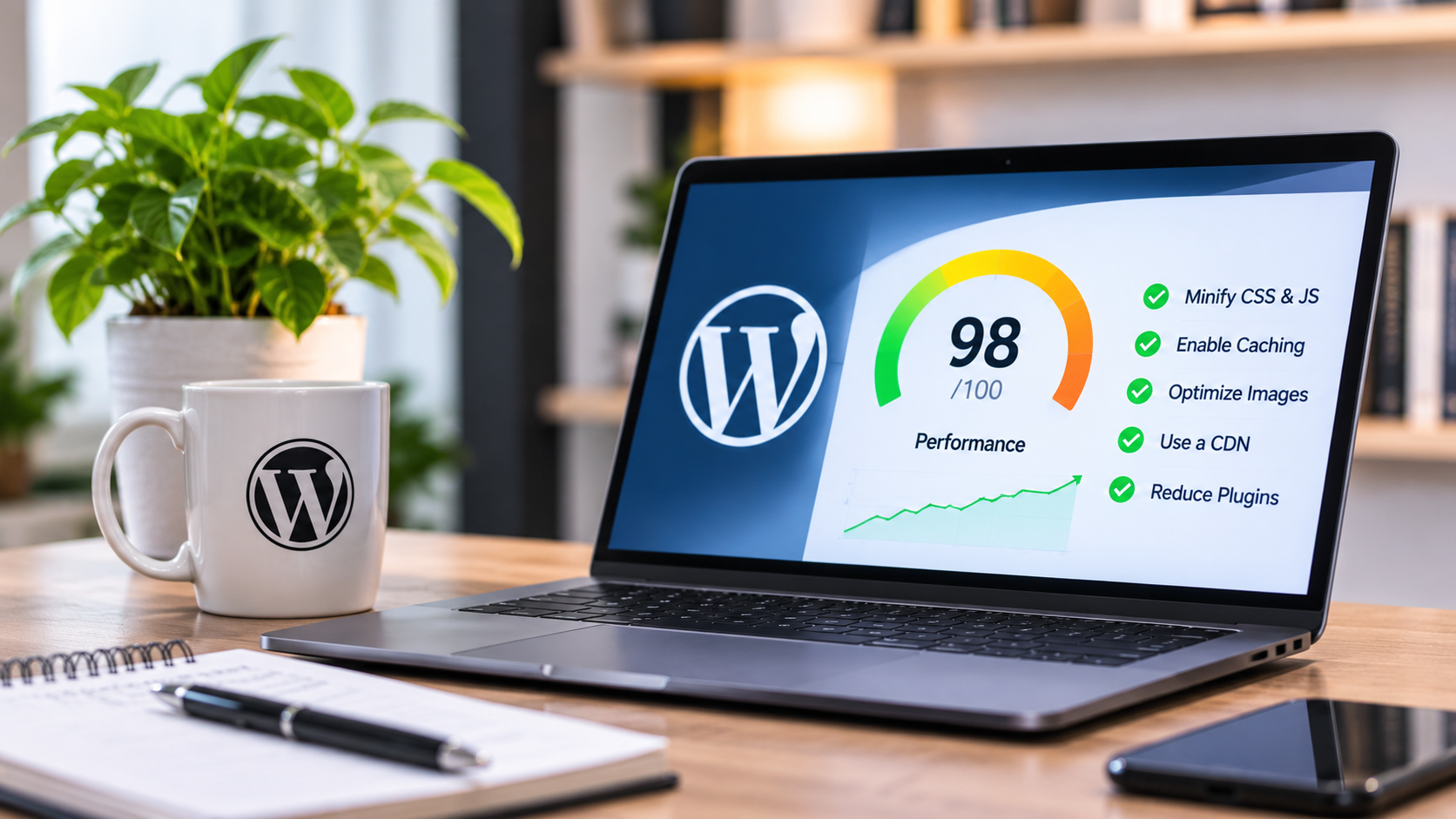
Visitors rarely wait for a page that loads slowly, and search engines pay attention to speed as well. The good news is that most slow WordPress sites share a few common causes, and each one has a fix. Here is where to look first.
Measure before you change anything
Run your key pages through a speed testing tool such as Google PageSpeed Insights and note the results. Test your home page and one or two of your most visited pages. Saving the results lets you check whether each change helped.
Resize and compress your images
Large images are one of the most common reasons a page loads slowly. A photo taken on a phone can be many times larger than it needs to be on a web page. Resize images to the size they are shown at, and compress them before uploading. Modern formats such as WebP are usually smaller than older ones at similar quality.
Remove plugins you do not use
Every plugin adds code that has to load. Deactivate and delete any plugin you no longer need, and look for plugins that do the same job. One well-made plugin is usually better than three overlapping ones. Be careful to back up your site before removing anything.
Choose a lightweight theme and builder setup
Some themes and page builders load a lot of code that your pages never use. A well-built theme with only the features you need runs faster. If you use Elementor, avoid piling on extra widgets and animations that add weight without helping visitors.
Use caching
Caching saves a ready-made copy of your pages so the server does not have to rebuild them for every visitor. A caching plugin or your host’s built-in caching can make a noticeable difference, especially on pages that rarely change.
Check your hosting
Hosting sets a limit on how fast your site can be. Cheap shared hosting can slow down when the server is busy. If you have tidied your images and plugins and the site is still slow, your host may be the cause. Moving to a better plan or provider can help.
Keep everything updated
Updates to WordPress, your theme and your plugins often include performance improvements as well as security fixes. Keeping them current also lowers the chance of a plugin clash that slows the site down.
Reduce what loads above the fold
The top of your page is what visitors see first. Avoid heavy sliders and autoplay video there, and make sure your main image and text appear quickly. Elements further down the page can load a little later.
Clean up the database
Over time, WordPress stores old post revisions, spam comments and leftover data from deleted plugins. Cleaning these out can keep the database lean. Back up first, and be careful with any tool that deletes data.
Test again
When you are done, run the same speed tests and compare them with your first results. If a page is still slow, the test report will usually point at what to fix next.