
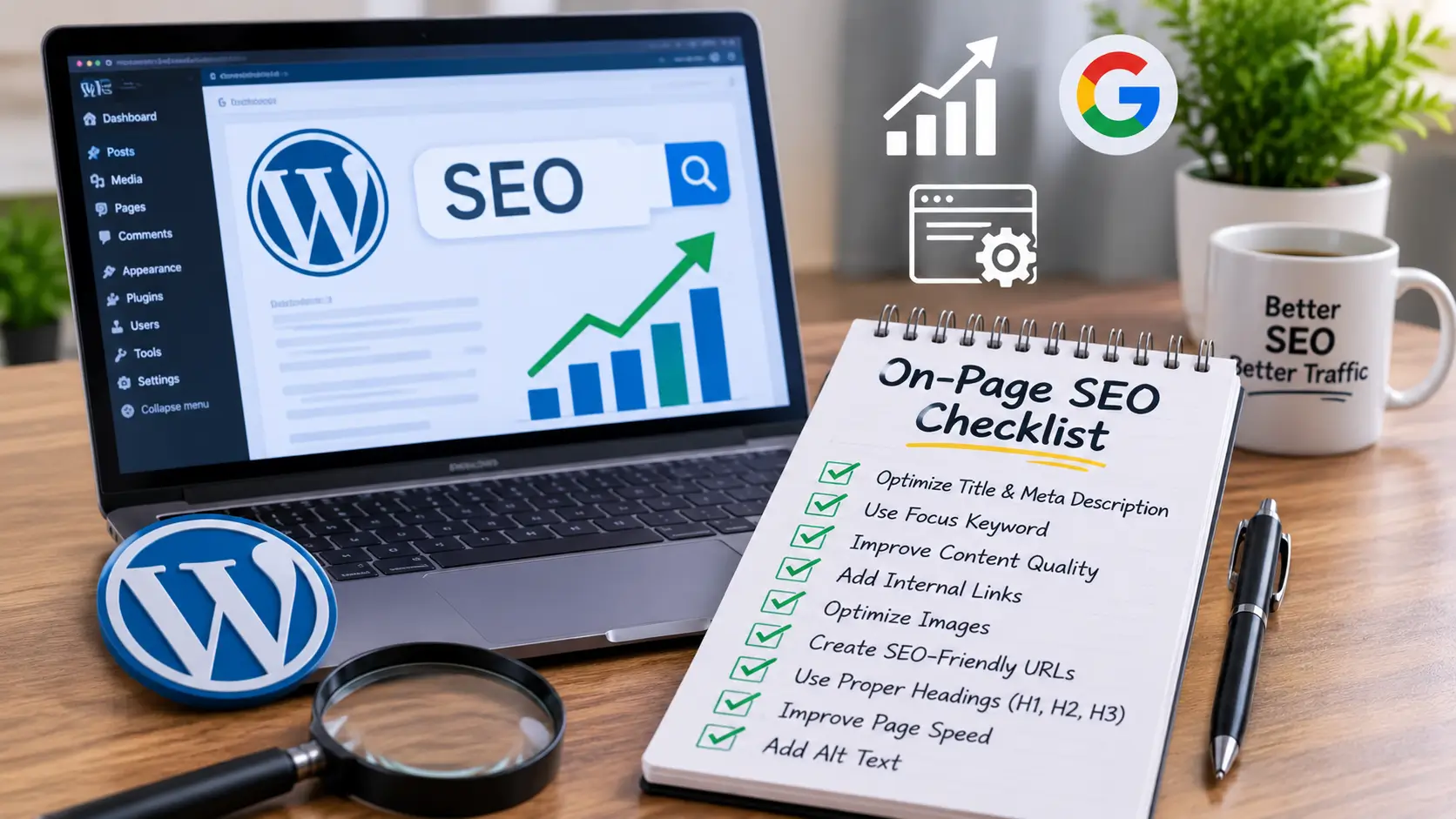
On-page SEO is the work you do on the pages of your own site so that search engines and visitors can understand them. It will not bring results overnight, but without it, even a well-designed site is harder to find. Use this checklist to go through your pages one by one.
Pick one main topic for each page
Before you edit anything, decide what each page is about and which search phrase it should target. Give each important page its own phrase. Two pages aiming at the same phrase compete with each other. This is called page mapping, and a simple spreadsheet is enough to do it.
Write a clear SEO title
The SEO title is the headline people see in search results. Put the main phrase near the start, say what the page offers and keep it short enough that it does not get cut off. Each page needs its own title.
Write a meta description
The meta description is the short text under the title in search results. It does not control your ranking directly, but a clear, honest summary gives people a reason to click. Write one for each page, and describe what the visitor will find.
Use headings in order
Each page should have one main heading (H1). Use H2 headings for the main sections and H3 headings for the points inside them. This helps visitors scan the page and helps search engines see its structure. Do not use headings only to make text bigger.
Keep page addresses short and readable
An address such as /wordpress-website-design is easier to read than one full of numbers or dates. In WordPress you can set this under Settings and Permalinks, and edit each page’s slug individually. Avoid changing addresses on live pages unless you also set up redirects.
Add alt text to images
Alt text describes an image for people who cannot see it, such as those using screen readers, and it also helps search engines understand the picture. Describe what the image shows in a short, plain sentence. Skip alt text on purely decorative images.
Link your pages to each other
Internal links connect related pages. A blog post about redesign can link to your redesign service page, and your service pages can link to each other. These links help visitors move through the site and help search engines find your pages.
Run the technical checks
Make sure search engines can reach your pages. Check that your site is not set to discourage indexing in WordPress settings, submit a sitemap through Google Search Console, and look for broken links and pages that return errors. These checks take little time and catch problems that quietly hold a site back.
Be patient
SEO improvements take time, and no one can promise a specific ranking. What you can do is build a solid base: clear pages, good structure and content that answers real questions. Then keep adding useful content over time.